







Can I change my registered email? How do I find my login email address with OneDegree?
To change your login email:
1. Please contact our customer care team at care@onedegree.hk; our representative will verify your identity before processing your request^.
2. Please note that the change process could take up to 2–4 weeks, and we might contact you via the registered phone number for verification purposes.
3. Once the change is complete, your contact email will automatically be updated to match your new login email.
^ To avoid delays, the application must be submitted by the account holder and should include the following details in the email request:
· Member ID
· Marketing communication subscription preference(Yes/No)
· Your current login email address
· Registered mobile number
To locate your login email, please log in to your OneDegree account and follow these steps:
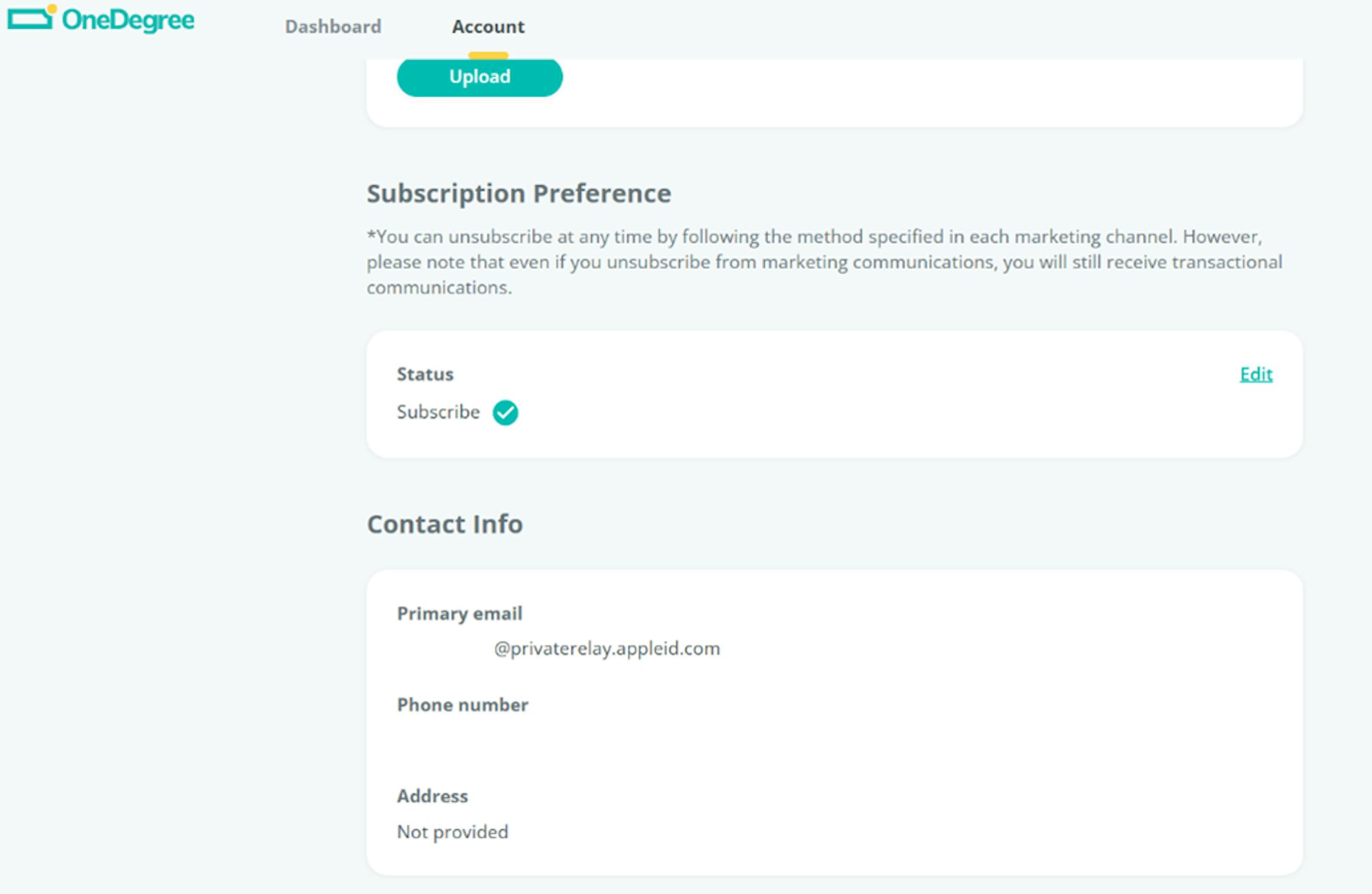
1. Click on the "Account" tab.
2. Under the "Contact Info – Primary Email" section, you’ll see your login email.
If you chose "Share My Email", your email will appear as [your email address].
a. If you chose "Share My Email", your email will appear as [your email address].
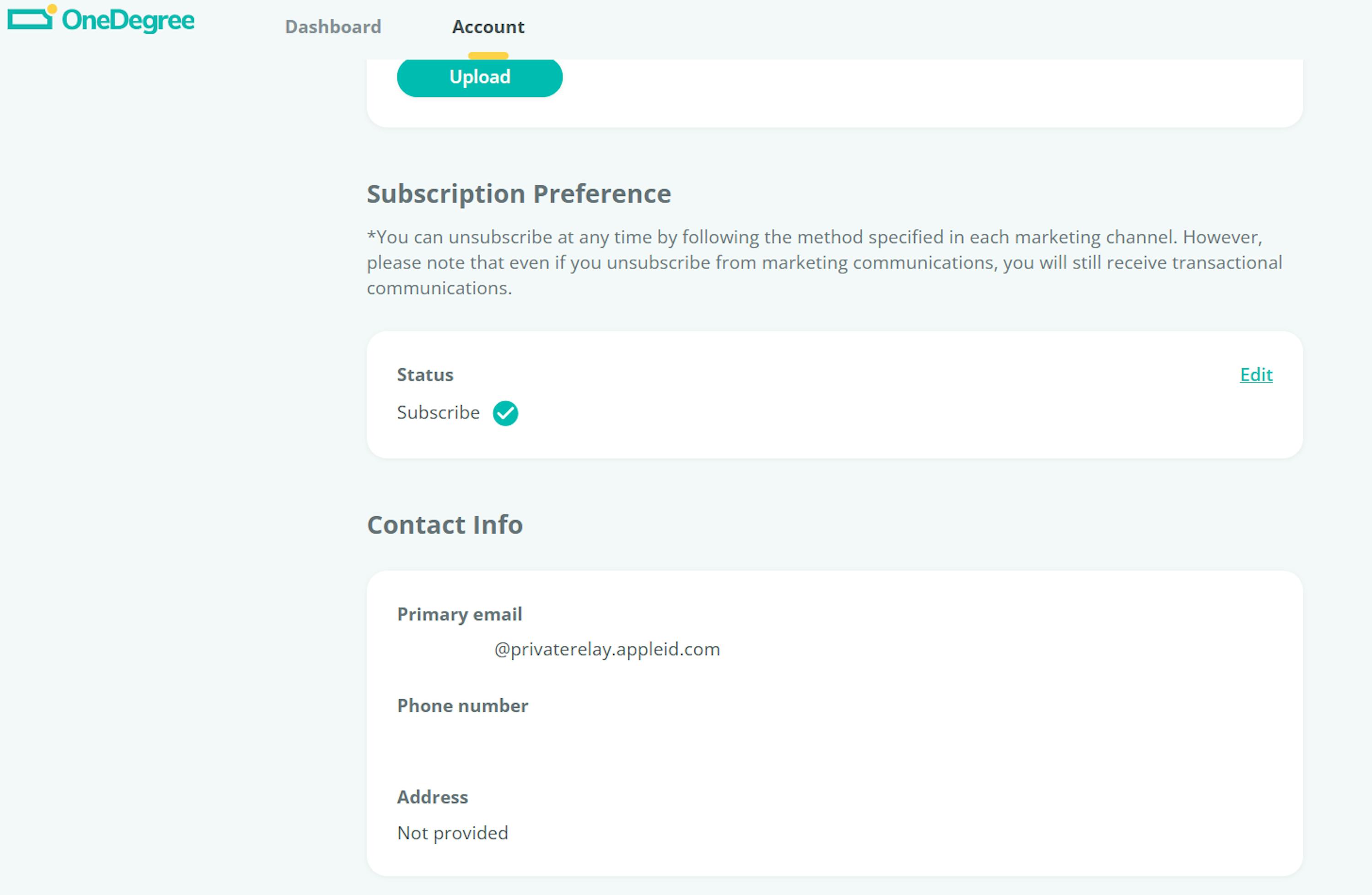
b. If you chose "Hide My Email", your email will appear as xxxxxxxxxxx@privaterelay.appleid.com.